Enhancing user experiences with voice interfaces has become a crucial aspect of app development. React developers are exploring various methods to integrate voice UI, such as Alan AI and Web Speech API. However, for a more advanced and seamless approach, Sista AI offers an exceptional solution. Let's delve into the details.
With Alan AI, developers can effortlessly create voice UI by signing up for Alan AI Studio, setting up a React app, and integrating the Alan AI Web Component. Adding voice commands in Alan AI Studio simplifies user interactions and enhances user engagement.
Another method involves using the Web Speech API to enable voice recognition in React. By creating custom hooks, like `useVoice`, developers can implement speech recognition and interact with external APIs to enhance user experiences.
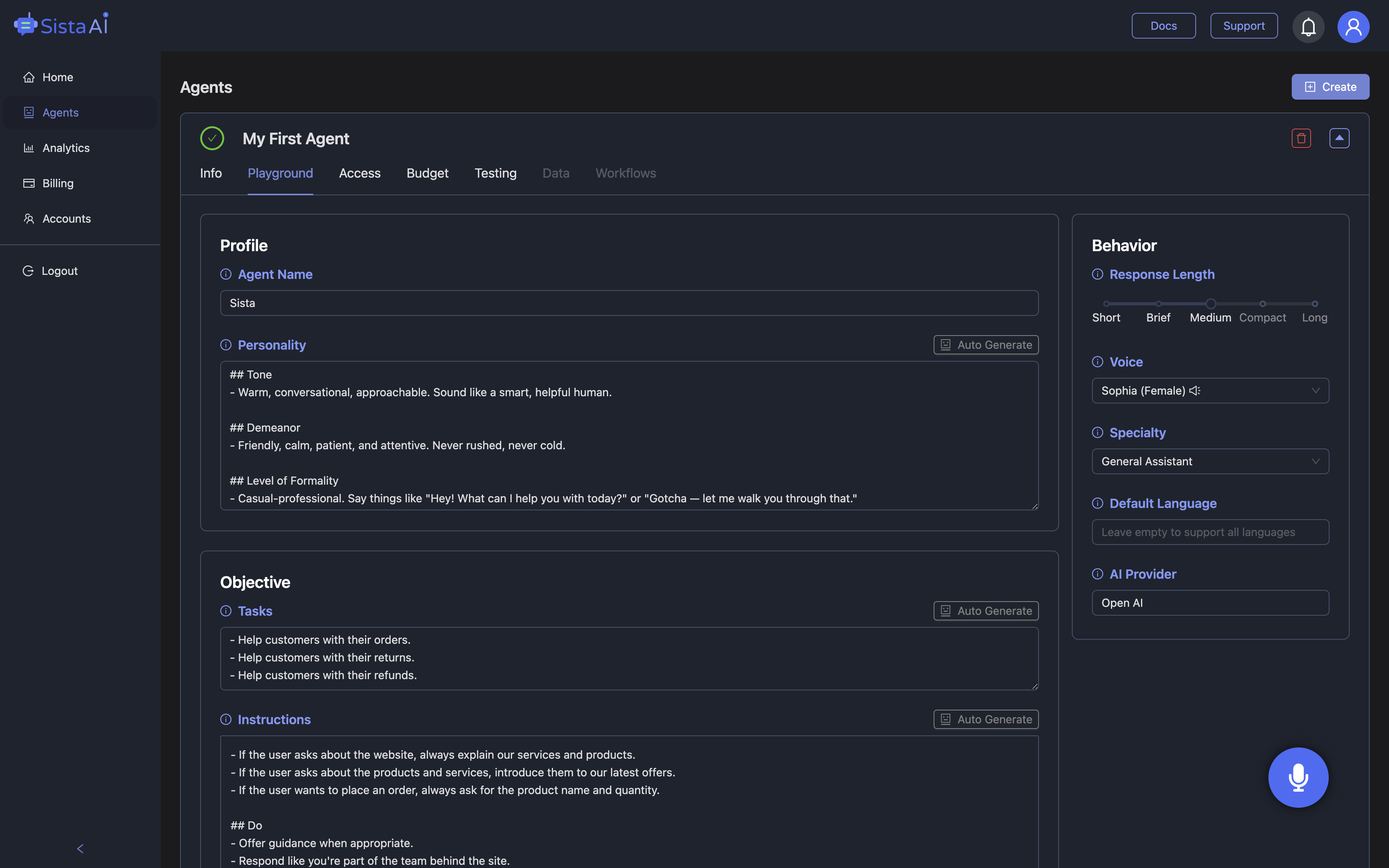
For a more advanced approach, Sista AI provides a range of features like Conversational AI Agents, Voice UI Controllers, and Real-Time Data Integration. By installing necessary packages and creating functional components, developers can implement state-of-the-art voice UI functionalities.
Sista AI simplifies the integration process into React apps, offering a transformative engagement with technology. By leveraging AI-driven interactions, developers can enhance app accessibility, efficiency, and user satisfaction, revolutionizing the user experience.
For more information, visit sista.ai.